Dynamics 365 Store Commerce Self-Checkout Preview
Streamline your shopping experience with Dynamics 365 Store Commerce self-checkout: fast, efficient and free of complications for every shopper.
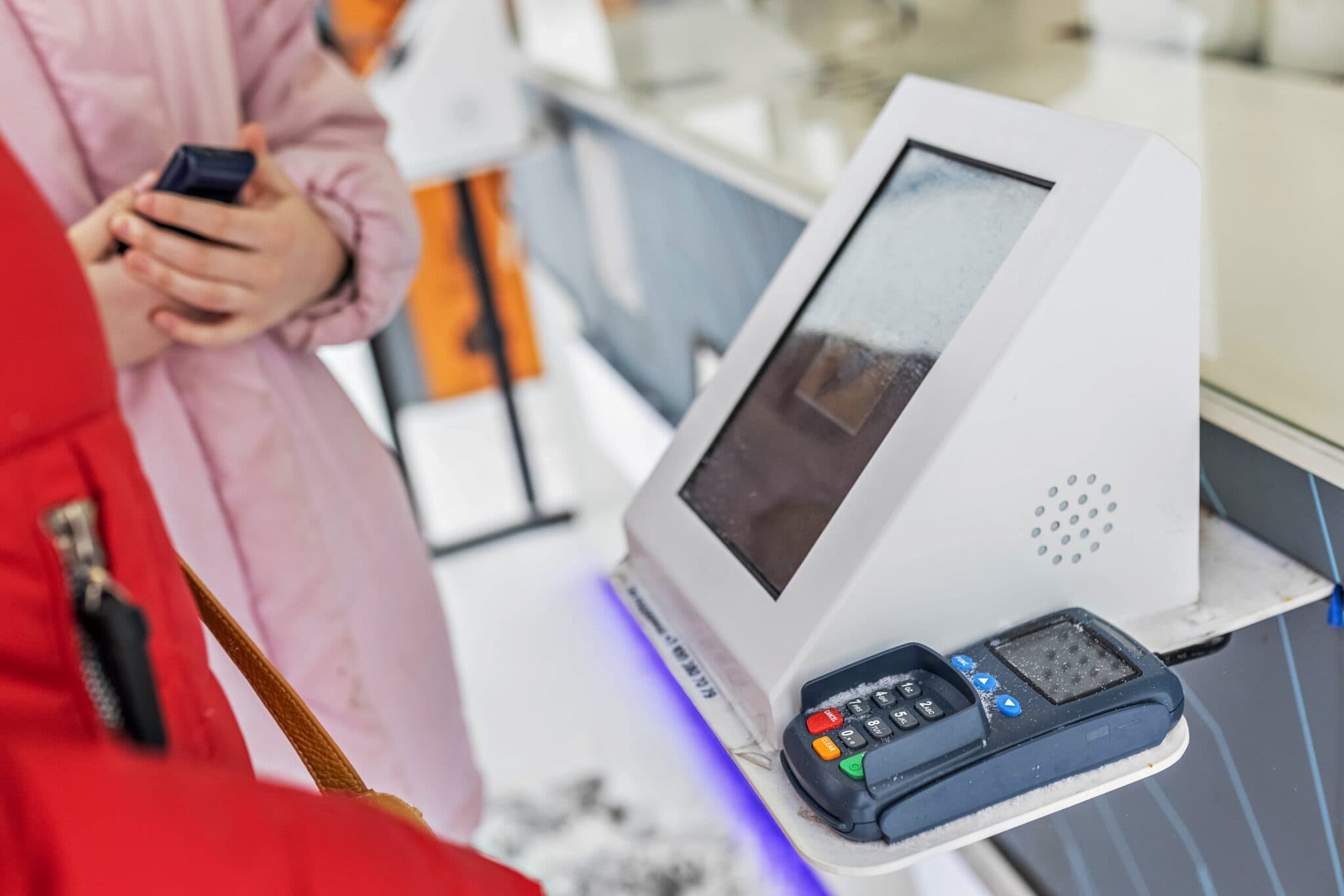
Despite the convenience of online shopping, many shoppers still value the hands-on experience of visiting retail stores. Immediate gratification, chatting with others and finding things by chance are still appealing. As technology evolves, retailers are looking for more automatic ways to satisfy their customers. Self-service checkouts have become essential for improving the shopping experience. That is why we will cover everything related to the public preview of Dynamics 365 Commerce self-checkout (Dynamics 365 Store Commerce Self-Checkout)
Long lines at the checkout can drive sales down and leave customers dissatisfied. Today, shoppers want control, ease and security when they buy, which is why they prefer self-service. Retailers are rolling out self-checkout systems in order to offer a more personal and private shopping experience. The rise of these systems is partly due to staff shortages and rising wage costs. According to research by RBR, self-checkout terminals are expected to grow 90% a year worldwide, which shows a trend toward faster, more self-sufficient service.
Although there are clear advantages, it is important to acknowledge and solve some challenges with the technology. These include problems with scanning, the ease of use of payment devices, losses from theft or unintentional errors, and the lack of personal interaction.
Self-checkout in Dynamics 365 Store Commerce
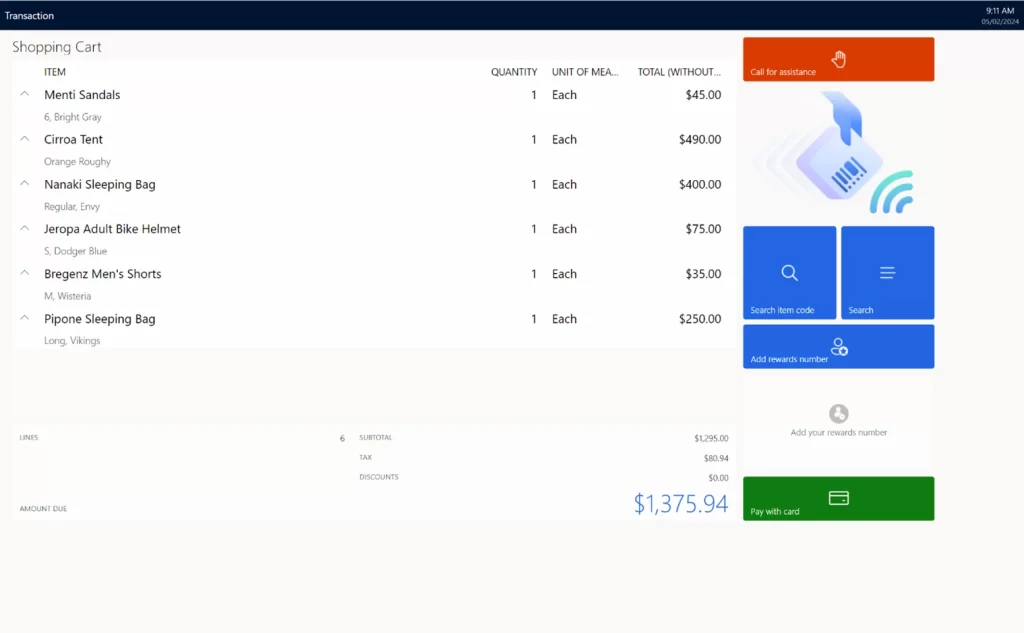
The new Dynamics 365 Commerce self-checkout solution is basically the same point of sale application (Store Commerce) but in self-checkout mode. Payment integrations, localization support, hardware integrations and any extensions built for the fixed register will also work here. This lets retailers turn on self-checkout quickly, taking advantage of their existing investments in the Store Commerce application for Windows. The Store Commerce application in self-checkout mode supports the following:
- Simplified sign-in that lets cashiers access the registers while, at the same time, letting shoppers complete self-checkout.
- Out-of-the-box self-checkout layout for a quick start that lets users scan items, support loyalty and pay by credit or debit.
- Intuitive interface for shoppers that provides only the actions supported in self-checkout while disabling store associate actions.
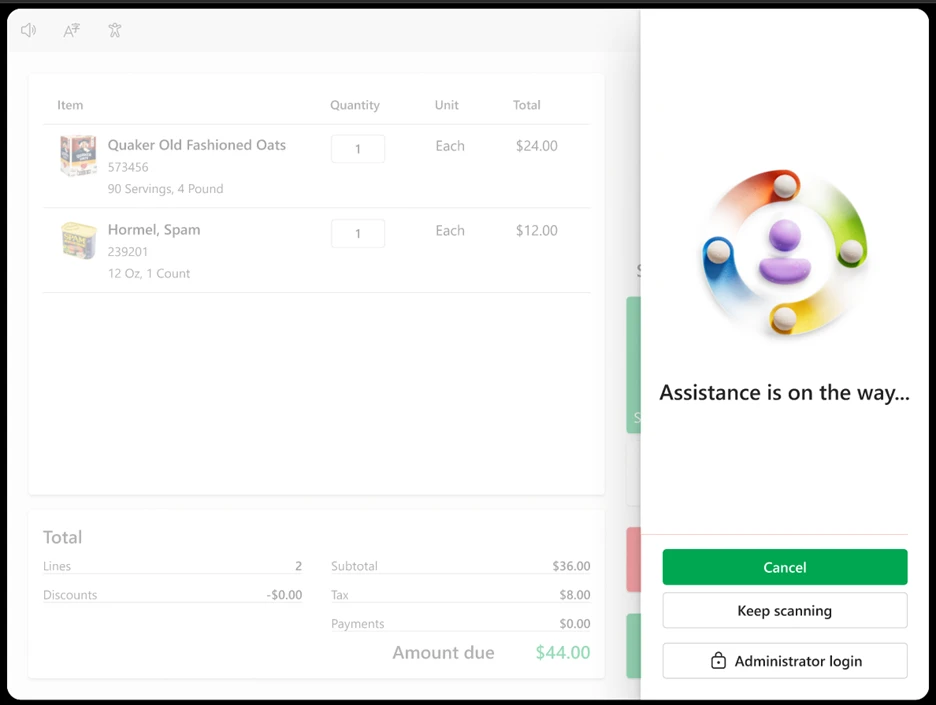
- Request assistance to let shoppers ask for help with elevated actions such as voids, cancellations and discounts.
- Browse operation that lets shoppers look for products that cannot be scanned or that are too large or too small to scan.
- The ability to restrict the purchase of certain products through self-checkout using a setting in headquarters.
- Offline support for business continuity even during a network outage.
- Support for store commerce peripherals, such as scanners, payment terminals and printers for self-checkout.
- Out-of-the-box Adyen payment integration.
Self-checkout to meet the needs of every retailer
Retailers have different needs for their point of sale and self-service systems. Fashion stores may prefer kiosks for quick scan-and-pay transactions. Grocery stores need self-service checkouts with scales for weighing and bagging, plus machines to handle cash. The Dynamics 365 Commerce self-checkout solution is built on the commerce SDK, so it is fully customizable. Here are some ways retailers can adapt the solution to their needs.
Retailers can easily adjust the self-checkout layout to add features that fit their needs, such as applying coupons.
The Store Commerce self-checkout system does not depend on the hardware and works with different types of equipment. Retailers can meet their specific needs by developing custom integrations with compatible OPOS drivers or bespoke SDKs.
In addition, retailers can integrate their existing localizations, payment methods and additional extensions into self-service workflows.
In situations where cashier intervention is needed, such as when scanning items with special discounts, retailers can use preconfigured extensions to quickly request the cashier's help.
Theft and losses at self-checkout
Although self-checkout improves efficiency, there is still a high risk of theft and accidental losses, since it is easy for customers to skip scanning items or make mistakes without meaning to. Retailers have to balance the efficiency of self-checkout with the need to prevent theft. Some have done so by limiting the number of items at the checkout or by removing cash as a payment method.
In addition, new theft detection systems that use cameras and algorithms to identify theft already exist. Image recognition algorithms, combined with several cameras, can detect suspicious movements by shoppers. Microsoft's Azure vision lets retailers train the model with their own catalog and use image detection during checkout to identify and add items to the cart, thereby reducing the risk of theft.
Retailers can also use additional mechanisms to trigger cashier intervention in suspicious situations, such as repeated scanning of identical barcodes, unusual scanning of several low-priced items, or items missing from the bagging area, among others.
Copilot
As we integrate Copilot features into Store Commerce, they can easily be used for self-checkout. For example, Copilot can help customers check prices or look up product availability. Copilot's voice assistance will make the shopping experience smoother. In addition, we expect features such as product discovery, personalized suggestions and special offers to be very useful for shoppers using a kiosk.
The future of self-checkout
Traditional self-checkout methods usually use kiosks, but retailers are also exploring “scan and go” options for greater convenience. This lets customers use their own devices or the store's devices to scan items and pay however they prefer. In addition, smart carts with built-in screens are appearing, which lets shoppers avoid traditional checkout lines and be more efficient. However, although these innovations are gaining popularity, they are not ideal for every type of product, they can increase the risk of theft and they are better suited to smaller stores.
As in-store self-service is adopted more widely across various segments such as apparel, department stores and supermarkets, we will stay attentive to customer needs and incorporate their feedback.
For example, our customers have asked that self-checkout systems include features to request assistance for theft prevention or validation and that they offer the option to select a preferred language.
It is increasingly clear that retailers prefer a hybrid model that combines human interaction with automated convenience. With the power and efficiency of the Microsoft Dynamics 365 Store point of sale and in-store self-checkout, our goal is to offer an exceptional shopping experience for both customers and shoppers.
To enable Store Commerce self-checkout today, visit: Enable self-checkout in the Store Commerce app – Commerce | Dynamics 365 | Microsoft Learn.